Website Development Project II: Front-End to Back-End Design and Deployment
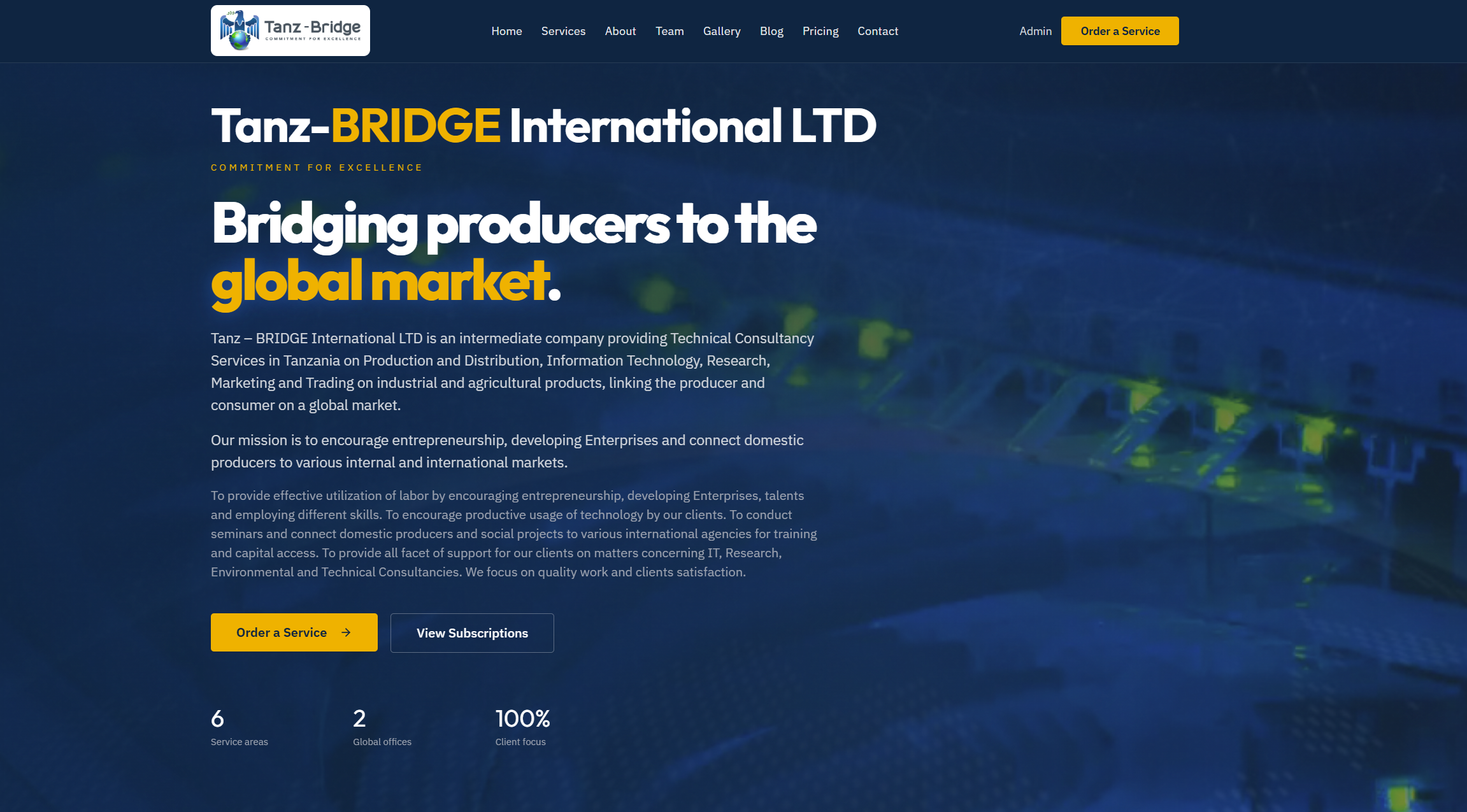
Tanz-BRIDGE International LTD – Technical Consultancy & Market Linkage
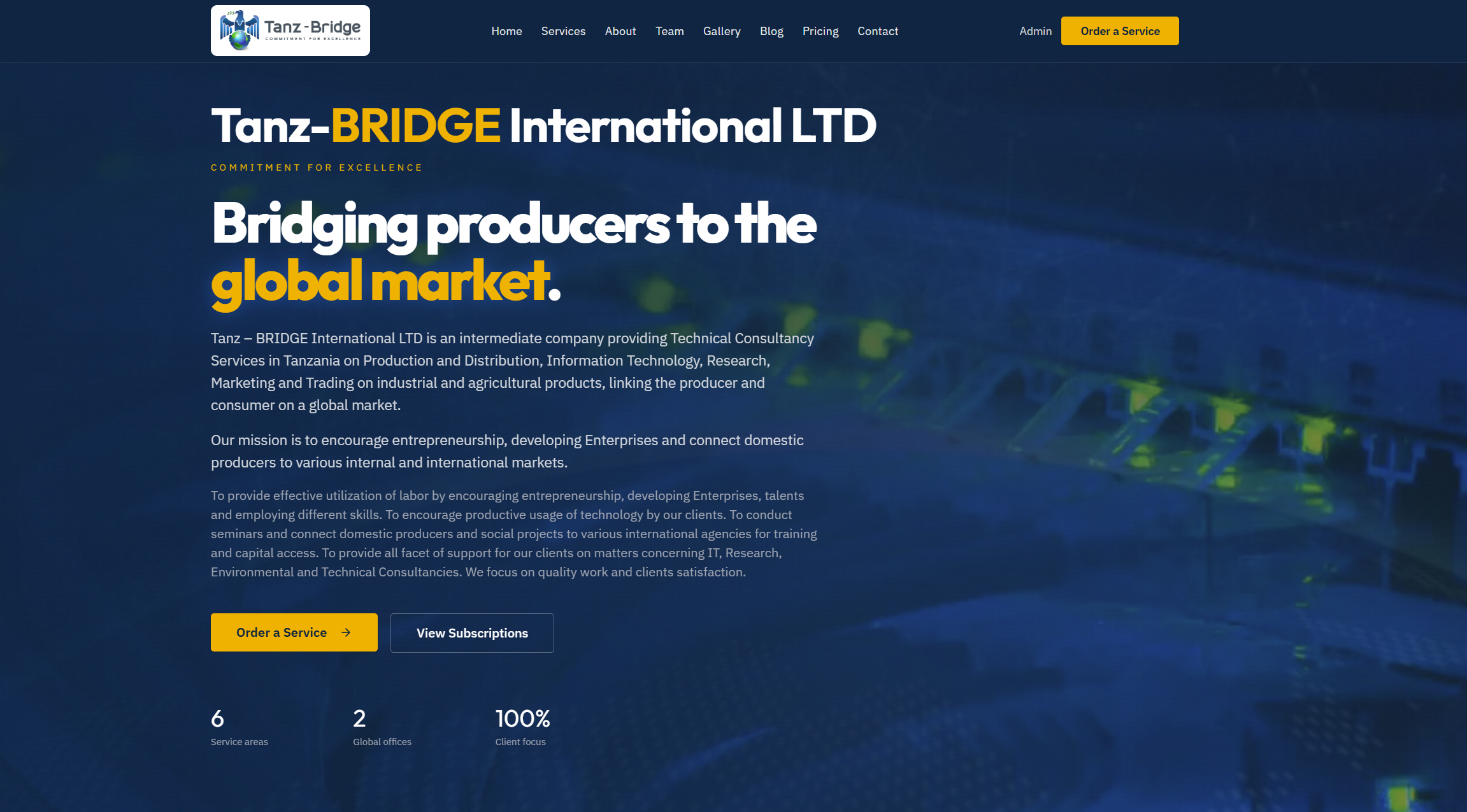
Overview
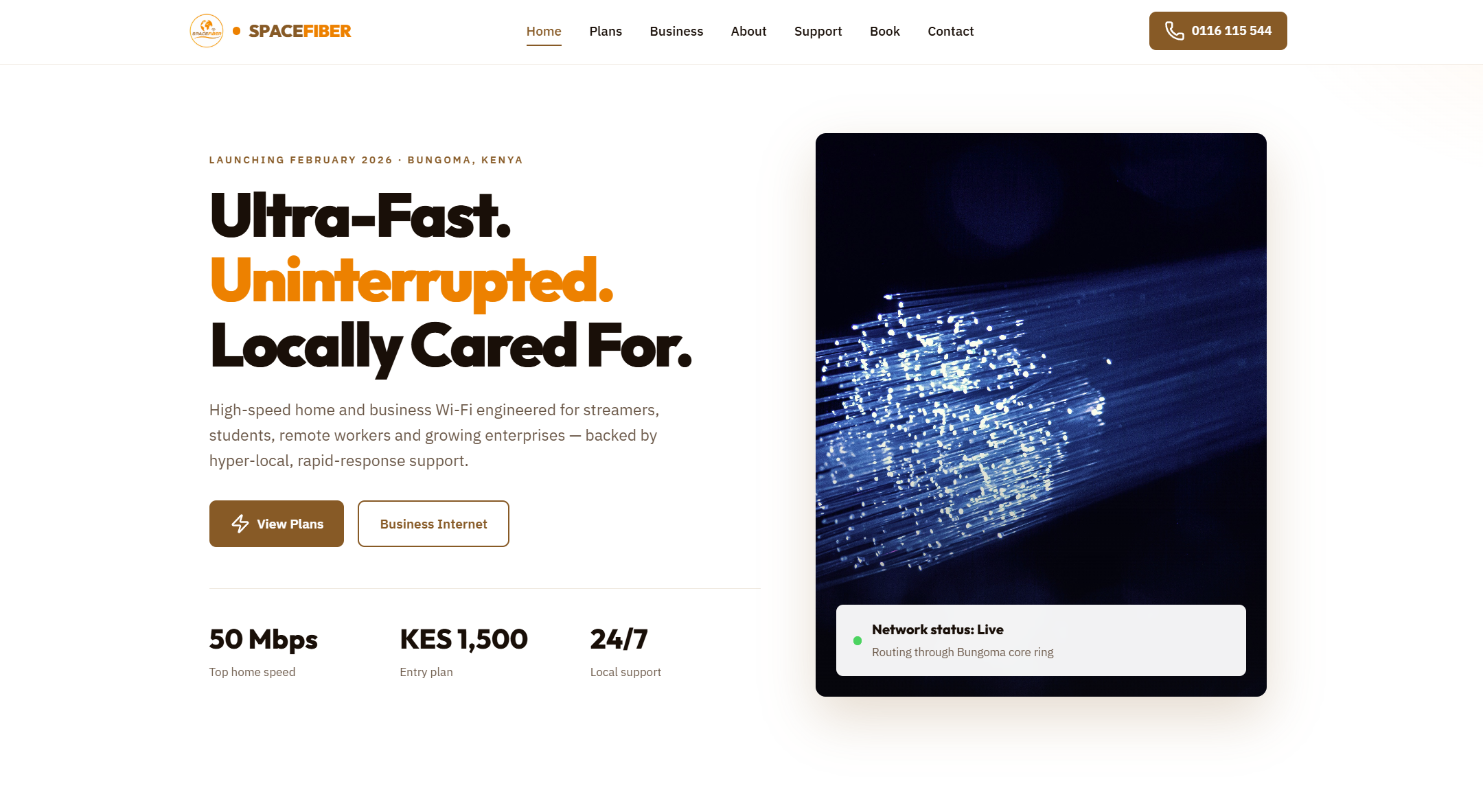
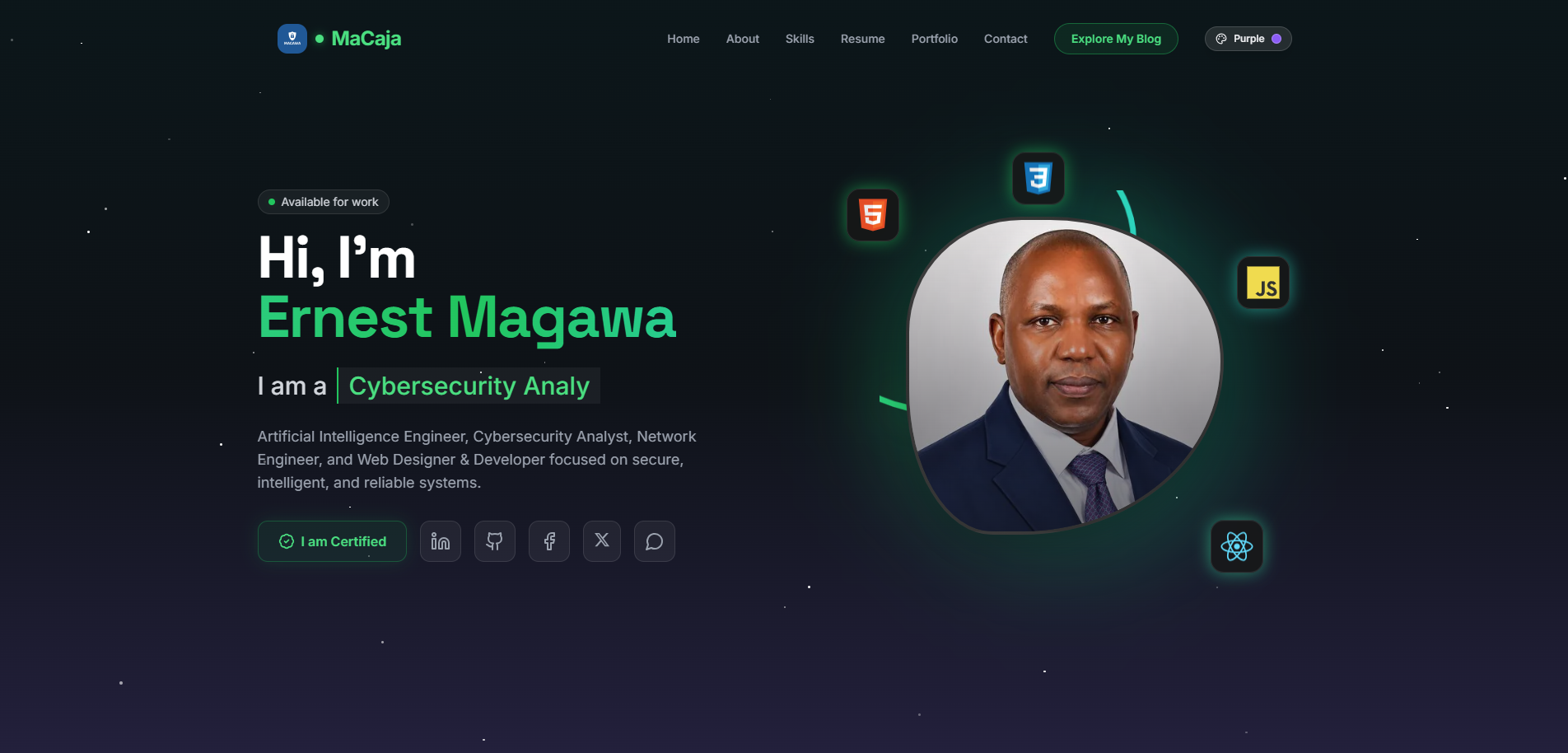
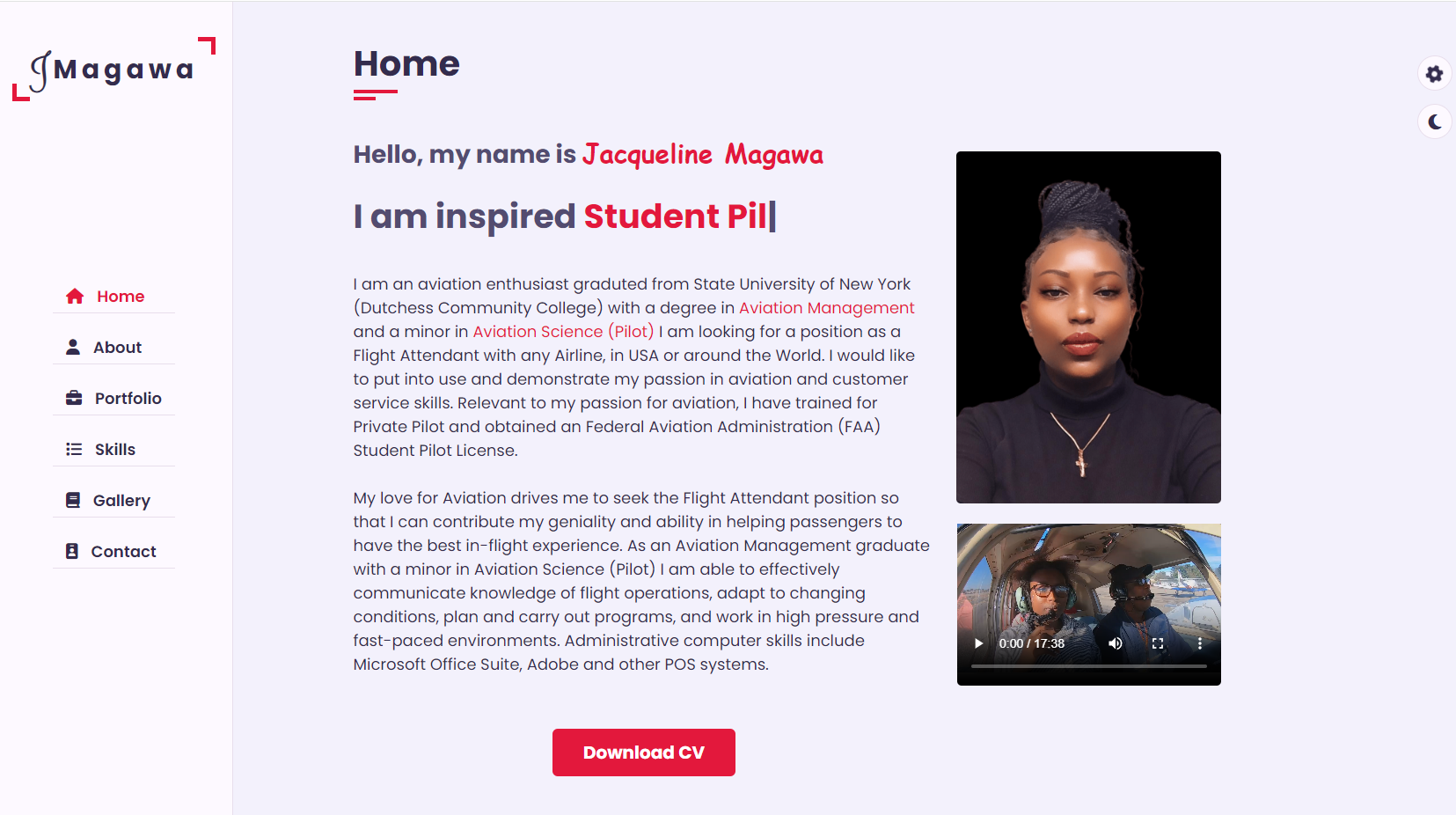
Website Development: Project II for Tanz-BRIDGE International LTD is a web development in progress that represents the point where a web project moves beyond a basic prototype and starts feeling like a real product. In this stage, the focus is not only on getting pages to render, but on building a cleaner structure, improving usability, and preparing the site for deployment and future maintenance.
Compared to an earlier project, this phase usually introduces better organization, stronger styling decisions, more reusable components, and a clearer development workflow. The goal is to create a website that is functional, responsive, and easier to extend over time.
Project Goals
The second website project was built with a few practical goals in mind:
- Create a more structured and maintainable codebase
- Improve the visual consistency of the site
- Ensure the layout works well across devices
- Reduce unnecessary complexity in the frontend
- Practice a cleaner development and deployment workflow
These goals make Project II less about experimentation and more about disciplined implementation.
Planning the Build
Before writing code, the project benefits from basic planning. Even a simple site becomes easier to manage when the structure is decided in advance.
Key planning steps included:
- Defining the purpose of the website
- Listing the required pages and sections
- Sketching the navigation flow
- Deciding on a color palette and typography
- Separating reusable UI sections from page-specific content
A simple structure might look like this:
/
├── index.html
├── about.html
├── projects.html
├── contact.html
├── assets/
│   ├── css/
│   │   └── styles.css
│   ├── js/
│   │   └── main.js
│   └── images/
└── README.md
This layout keeps content, styling, scripts, and media organized from the start.
Frontend Structure
One of the biggest improvements in a second project is frontend organization. Instead of writing everything inline or repeating patterns across pages, the codebase should reflect a consistent structure.
A typical HTML layout used in Project II may include:
- A semantic
<header>for branding and navigation - A
<main>section for primary page content - Reusable content blocks such as cards, banners, and call-to-action sections
- A
<footer>for secondary links and site information
Example page skeleton:
<!DOCTYPE html>
<html lang="en">
<head>
<meta charset="UTF-8" />
<meta name="viewport" content="width=device-width, initial-scale=1.0" />
<title>Website Development: Project II</title>
<link rel="stylesheet" href="assets/css/styles.css" />
</head>
<body>
<header class="site-header">
<nav class="navbar">
<a href="index.html" class="logo">MySite</a>
<ul class="nav-links">
<li><a href="about.html">About</a></li>
<li><a href="projects.html">Projects</a></li>
<li><a href="contact.html">Contact</a></li>
</ul>
</nav>
</header>
<main>
<section class="hero">
<h1>Building a Better Web Project</h1>
<p>A cleaner, more responsive, and maintainable site.</p>
</section>
</main>
<footer class="site-footer">
<p>© 2026 MySite</p>
</footer>
</body>
</html>
The important takeaway is not the exact code, but the habit of building pages with semantic structure and readability in mind.
Styling and Visual Consistency
Project II is usually where styling becomes more intentional. Instead of adding isolated CSS rules as needed, the design system starts becoming consistent.
Useful improvements include:
- Standardized spacing values
- Reusable button styles
- A limited color palette
- Consistent heading sizes
- Shared card and section layouts
Example CSS foundation:
:root {
  --bg: #0f172a;
  --surface: #111827;
  --text: #e5e7eb;
  --accent: #38bdf8;
  --muted: #94a3b8;
  --radius: 12px;
  --space: 1rem;
}

* {
  box-sizing: border-box;
}

body {
  margin: 0;
  font-family: Arial, sans-serif;
  background: var(--bg);
  color: var(--text);
  line-height: 1.6;
}

.container {
  width: min(1100px, 90%);
  margin: 0 auto;
}

.btn {
  display: inline-block;
  padding: 0.75rem 1.25rem;
  background: var(--accent);
  color: #0b1120;
  text-decoration: none;
  border-radius: var(--radius);
  font-weight: 600;
}
This kind of setup helps maintain consistency and makes future edits much easier.
Responsive Design
A website that only looks good on a laptop is incomplete. Project II should treat responsive design as a requirement, not an afterthought.
Important responsive design considerations:
- Flexible layouts using Flexbox or Grid
- Relative widths instead of fixed pixel-heavy layouts
- Mobile-friendly navigation
- Readable typography on small screens
- Proper spacing for touch interaction
Example media query:
.navbar {
  display: flex;
  justify-content: space-between;
  align-items: center;
  padding: 1rem;
}

.nav-links {
  display: flex;
  gap: 1rem;
  list-style: none;
}

@media (max-width: 768px) {
  .navbar,
  .nav-links {
    flex-direction: column;
    align-items: flex-start;
  }
}
Responsive design is not just about shrinking content. It is about adapting the experience to different screen sizes in a way that still feels intentional and usable.
Adding Interactivity
A static site can still benefit from lightweight interactivity. In Project II, JavaScript should support the user experience rather than overwhelm it.
Common additions include:
- Navigation menu toggles
- Form validation
- Theme switching
- Scroll effects
- Simple content filtering
Example mobile menu toggle:
const menuButton = document.querySelector('.menu-toggle');
const navLinks = document.querySelector('.nav-links');

menuButton?.addEventListener('click', () => {
  navLinks.classList.toggle('active');
});
This kind of script keeps the site dynamic without introducing unnecessary complexity.
Performance Considerations
As projects become more polished, performance starts to matter more. A visually appealing website still needs to load quickly and behave smoothly.
A few practical optimizations for Project II:
- Compress images before uploading
- Use modern image formats where possible
- Minimize unused CSS and JavaScript
- Avoid excessive animations
- Load only the assets that are needed
Performance can be checked using browser developer tools or Lighthouse. Even basic testing can reveal:
- Large image files
- Render-blocking resources
- Layout shifts
- Accessibility issues
Small optimization steps often have a noticeable impact on the overall user experience.
Accessibility Basics
Accessibility should be included early rather than patched in later. Project II is a good stage to begin applying better accessibility habits.
Core practices include:
- Using semantic HTML elements
- Writing descriptive link text
- Providing
alttext for meaningful images - Maintaining sufficient color contrast
- Ensuring keyboard navigation works
- Associating labels with form inputs
Example accessible form field:
<label for="email">Email Address</label>
<input type="email" id="email" name="email" required />
These details improve usability for everyone, not only for users relying on assistive technologies.
Testing the Website
Testing should cover more than “it works on my machine.” Project II benefits from a simple but repeatable testing process.
Useful checks include:
- Opening the site on multiple screen sizes
- Testing in more than one browser
- Verifying all links and buttons
- Checking forms for validation and error handling
- Inspecting layout behavior with long and short content
- Reviewing console errors in developer tools
A basic test checklist can prevent many common issues before deployment.
Deployment Workflow
Once the site is stable, deployment becomes part of the project lifecycle. For a static website, deployment can be simple and fast.
Common deployment options:
- GitHub Pages
- Netlify
- Vercel
- Traditional shared hosting
A straightforward workflow might be:
- Finalize and test changes locally
- Commit code to Git
- Push to a remote repository
- Deploy through a hosting platform
- Verify the live version
Example Git workflow:
git add .
git commit -m "Complete Website Development Project II updates"
git push origin main
This reinforces good development habits and creates a useful history of the project.
Challenges Encountered
No project is complete without friction. Website Development: Project II often introduces challenges that are less about syntax and more about decision-making.
Common issues include:
- Keeping CSS from becoming repetitive
- Making layouts behave correctly across screen sizes
- Balancing visual design with simplicity
- Organizing files as the project grows
- Avoiding overengineering small features
These are valuable problems to solve because they mirror real-world development work.
Lessons Learned
This project reinforces several important lessons:
- Structure matters as much as appearance
- Reusable patterns save time and reduce errors
- Responsive design should be planned early
- Small performance improvements add up
- Clean, readable code makes maintenance easier
Perhaps the biggest lesson is that a website does not need to be complex to be professional. Good structure, consistency, and usability go a long way.
What I Would Improve Next
If this project were extended further, the next improvements would likely include:
- Breaking the UI into reusable components
- Adding a more advanced form handling system
- Improving animations without affecting performance
- Introducing a build process for asset optimization
- Expanding accessibility testing
- Connecting the frontend to a backend or API
These steps would move the site from a polished static project toward a more production-ready application.
Final Thoughts
Website Development: Project II is an important milestone because it shifts the focus from simply building pages to building them well. It emphasizes maintainability, responsiveness, performance, and user experience.
Even if the project itself is relatively small, the habits developed here scale into larger work. Clean structure, consistent styling, careful testing, and smooth deployment are all part of building websites that feel reliable and professional.
For anyone progressing through web development projects, Project II is where fundamentals start turning into workflow. That transition is what makes it especially valuable.