
From Logs to Alerts: Getting Started with SIEM
How a Security Information and Event Management platform turns raw noise into actionable detections — and how to start with Splunk.
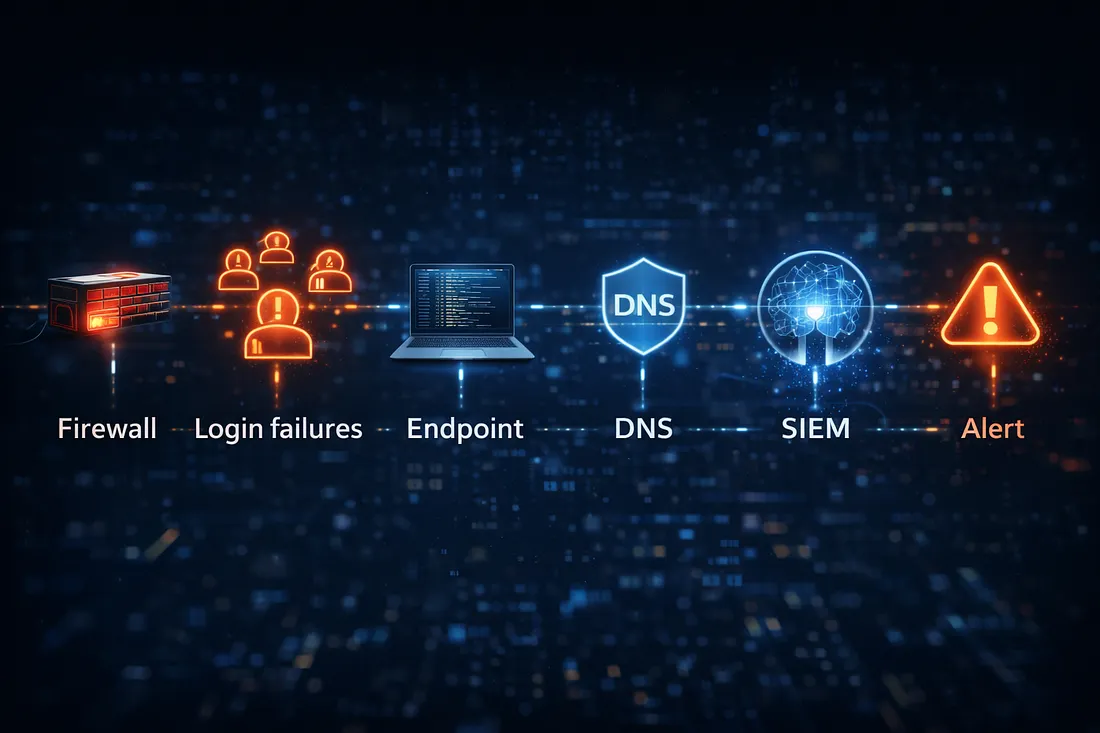
A SIEM — Security Information and Event Management — is where all your telemetry comes together. Firewall logs, endpoint events, authentication records, cloud audit trails: pull them into one place and you can correlate signals that no single source could reveal on its own. This is your practical, no-fluff guide to getting started.
The mental model
Think of a SIEM in three layers:
- Collection — ship logs from every source into one place.
- Normalization — parse them into a common schema so a "user" or an "IP" means the same thing everywhere.
- Detection — write searches and rules that fire when something looks wrong.
Everything else — dashboards, alerts, investigations — sits on top of those three foundations.
Choosing a SIEM to learn on
You don't need an enterprise license to start:
- Splunk Free — the industry standard; the free tier is perfect for a home lab and its search language (SPL) is worth learning.
- Elastic (ELK) Security — open and powerful, great if you like the Elastic ecosystem.
- Wazuh — free and open-source, with endpoint agents included; excellent value for a lab.
Pick one and go deep. The concepts transfer directly between platforms.
Onboard the right data first
Don't try to ingest everything on day one. Start with the sources that produce the highest-value detections:
- Authentication logs (Windows Security events, Linux
auth.log) — catch brute force and suspicious logins. - Endpoint telemetry (Sysmon) — process creation is the richest signal you can collect.
- Firewall / DNS logs — spot beaconing and connections to bad destinations.
Your first Splunk search
Once data is flowing, start simple. Find failed logins and look for spikes:
index=auth action=failure
| stats count by user, src_ip
| where count > 10
That single search surfaces brute-force attempts against any account. From there, add a second search for a success immediately after many failures — that's a likely account takeover.
Turn a search into a detection
A good detection has three parts: a query that isolates the behavior, a threshold that separates normal from suspicious, and context so the analyst knows what to do. Write the "so what?" into every rule — what the alert means and the first action to take.
Map to MITRE ATT&CK
Tagging each detection with a MITRE ATT&CK technique turns a random pile of alerts into a coverage map. You can instantly see which tactics you can detect (Credential Access, Lateral Movement, Exfiltration) and where your blind spots are.
Tune relentlessly
The enemy of a good SIEM is alert fatigue. Every alert you keep should be one you'd actually act on. Prune the rest, document your logic, and revisit it monthly.
Good detection is not about more alerts — it's about the right alerts.
A practical rhythm: any alert that fires more than a handful of times a week without being actionable gets tuned or retired. Track your noise ratio and drive it down over time.
Build a couple of dashboards
Two dashboards go a long way: an operational view (alert volume, top sources, ingestion health) and a hunting view (rare processes, new external destinations, first-time-seen users). Dashboards turn raw data into situational awareness at a glance.
Wrapping up
Start with a handful of high-value detections, get comfortable investigating them end to end, and grow from there. Collection, normalization, detection — nail those three layers, keep your signal-to-noise ratio high, and your SIEM becomes the nerve center of your entire security program.
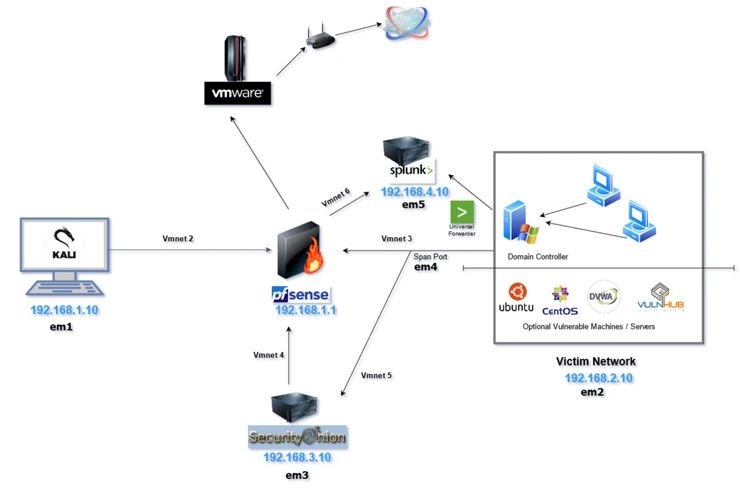
Cybersecurity Lab: Network Traffic Detection and Analysis
View in portfolioMore in Cybersecurity


You might also like
Never miss a post
Get new cybersecurity and networking write-ups straight to your inbox. No spam — unsubscribe anytime.