
DNS Security: Filtering and Blocking Malicious Domains on the Router
Your router sees every DNS query on the network — which makes it the perfect place to block malware, phishing, and command-and-control domains before a device ever connects to them.
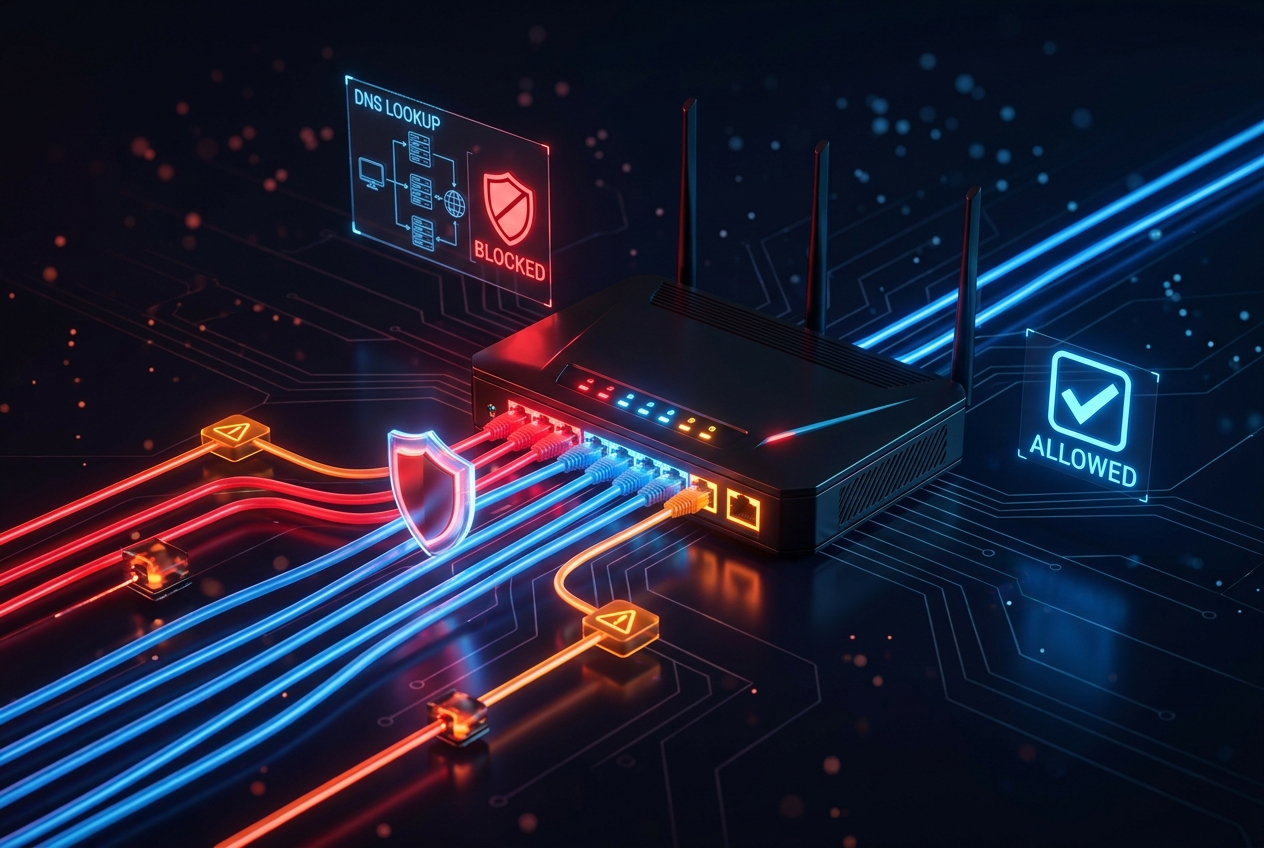
Almost every attack starts with a name, not an IP. Malware phones home to a domain, phishing links point to a domain, and command-and-control (C2) traffic resolves a domain before it ever opens a connection. That makes DNS the earliest and cheapest place to stop an attack — and your router, which every client uses to resolve names, is the ideal chokepoint. This guide shows how to filter and block malicious domains at the router.
Why block at DNS?
When you block a domain at the DNS layer, the client never even learns the malicious server's IP address. No connection is attempted, no payload is fetched, no beacon is sent.
- It's early — you stop the threat before the TCP handshake.
- It's broad — one block protects every device that uses the router for DNS, including IoT gadgets you can't install agents on.
- It's cheap — no extra inline appliance; you're reusing traffic the router already handles.
Blocking a domain is like disconnecting the phone line before the scammer can dial. The malware is still on the device, but it can't reach its handler.
The core idea: control what the router resolves
The router is the DNS server (or forwarder) for your clients. By controlling which answers it gives, you decide what your network can reach:
- Sinkhole bad domains — answer known-malicious names with a dead or safe address so the real IP is never returned.
- Restrict who it forwards to — force all DNS through trusted, filtering resolvers and block rogue DNS.
- Log every query — visibility into what your network is trying to resolve is half the battle.
Method 1: Sinkhole malicious domains with local host entries
The simplest technique: define a static host record that points a known-bad domain at a harmless address (like 0.0.0.0 or an internal warning page). The router answers from its own table and never forwards the query.
enable
configure terminal
ip host malware-c2.example.com 0.0.0.0
ip host phishing-login.example.net 0.0.0.0
Any client resolving those names through the router gets 0.0.0.0, so the connection goes nowhere. This is perfect for a curated blocklist of high-confidence indicators.
Method 2: Force clients onto trusted, filtering resolvers
Public resolvers like Cisco Umbrella (208.67.222.222), Quad9 (9.9.9.9), or Cloudflare for Families (1.1.1.2) already block millions of malicious domains. Point your router's forwarding at them so every unknown lookup is screened upstream.
ip name-server 9.9.9.9 208.67.222.222
ip dns server
Then make sure clients can't bypass the router. Block outbound DNS (UDP/TCP 53) to anything except the router itself so a compromised host can't use its own rogue resolver.
ip access-list extended BLOCK-ROGUE-DNS
 permit udp 10.10.10.0 0.0.0.255 host 10.10.10.1 eq 53
 permit tcp 10.10.10.0 0.0.0.255 host 10.10.10.1 eq 53
 deny   udp 10.10.10.0 0.0.0.255 any eq 53
 deny   tcp 10.10.10.0 0.0.0.255 any eq 53
 permit ip any any
interface GigabitEthernet0/1
 ip access-group BLOCK-ROGUE-DNS in
Now the only path to DNS is through the router — and the router only forwards to filtering resolvers.
Method 3: Block DNS-over-HTTPS (DoH) bypass
Modern malware and browsers can tunnel DNS over HTTPS to sidestep your controls. If a device uses DoH, it resolves names through https:// and your DNS filtering never sees it. Counter it by blocking known public DoH endpoints at the firewall/ACL so clients fall back to your router's DNS.
- Deny outbound HTTPS to well-known DoH provider IP ranges you don't trust.
- Prefer resolvers you control that support filtering, and disable DoH in managed browsers via policy.
If you filter DNS but ignore DoH, you've locked the front door and left a window open.
Method 4: Log and watch what your network resolves
You can't block what you can't see. Send DNS and ACL logs to a collector or SIEM and look for the tells of compromise:
logging host 10.10.10.50
service timestamps log datetime msec
Hunt for:
- NXDOMAIN storms — malware cycling through many random domains (a sign of Domain Generation Algorithms).
- Repeated lookups of a single odd domain — classic C2 beaconing on a fixed interval.
- Queries to freshly-registered or high-entropy domains — often malicious.
- Clients trying to reach external resolvers — someone attempting to bypass your DNS.
Keeping the blocklist current
Static ip host entries are great for a small, curated list, but threats change daily. Practical options:
- Lean on a filtering resolver (Umbrella, Quad9, NextDNS) that updates its threat feeds automatically — the router just forwards.
- Automate updates to the router's host table from a threat-intelligence feed via a script and
ip hostcommands where you need on-box control. - Review logs weekly and promote any newly-seen bad domain into your block list.
When to graduate beyond the router
A router is an excellent enforcement point, but for large or high-risk environments pair it with a dedicated DNS security platform: per-client policies, category filtering, real-time threat feeds, and rich reporting. Use the router to enforce (block bypass, sinkhole, forward to trusted resolvers) and the platform to decide what's malicious.
The takeaway
DNS is the first move in most attacks, so it should be your first line of defense. On the router: sinkhole known-bad domains with ip host, force every client through trusted filtering resolvers, block rogue DNS and DoH bypass with ACLs, and log everything. Do that and you'll stop a huge share of malware and phishing before a single malicious connection is ever made.